
Jira
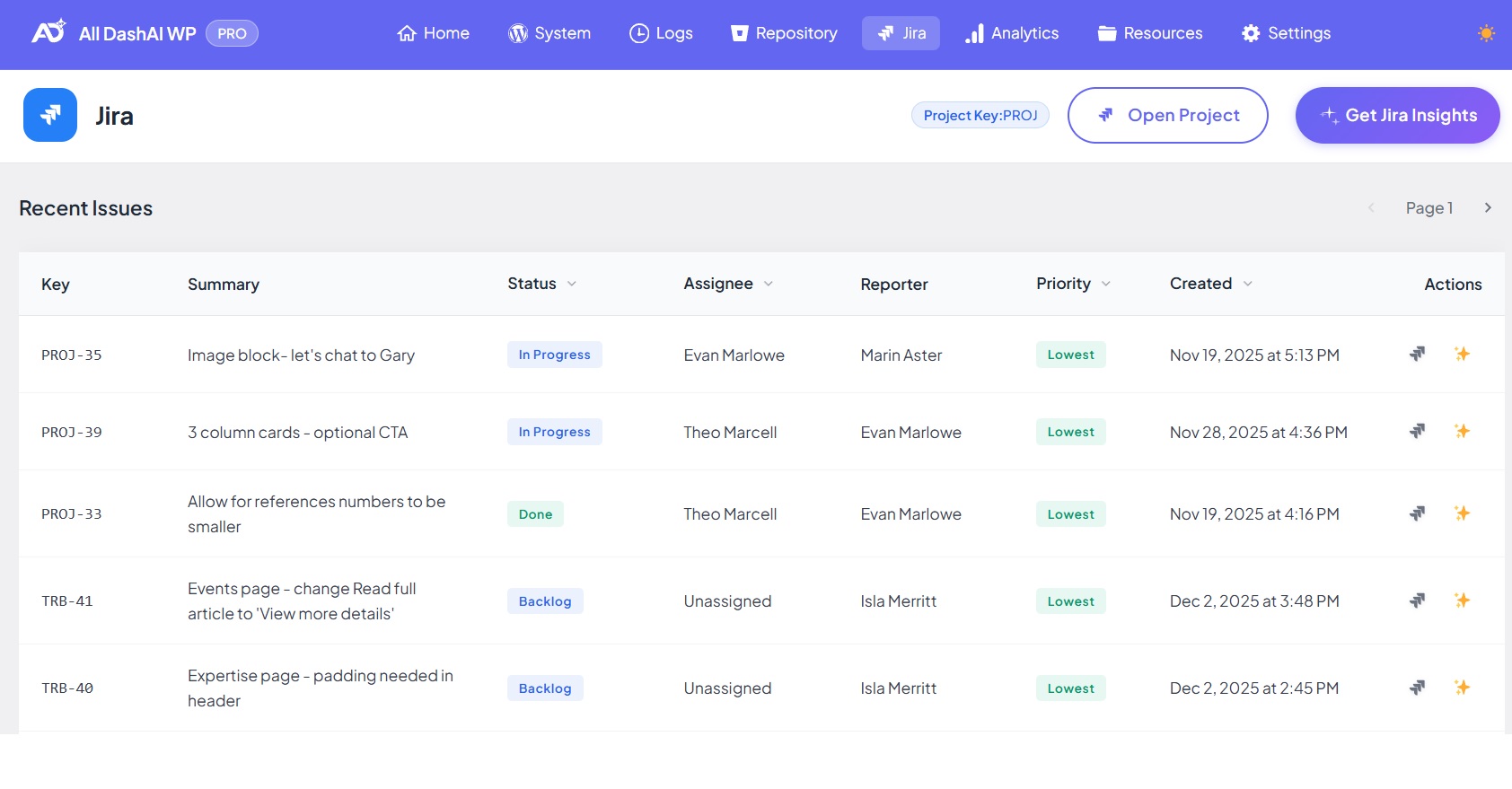
Jira (PRO Feature)
Features
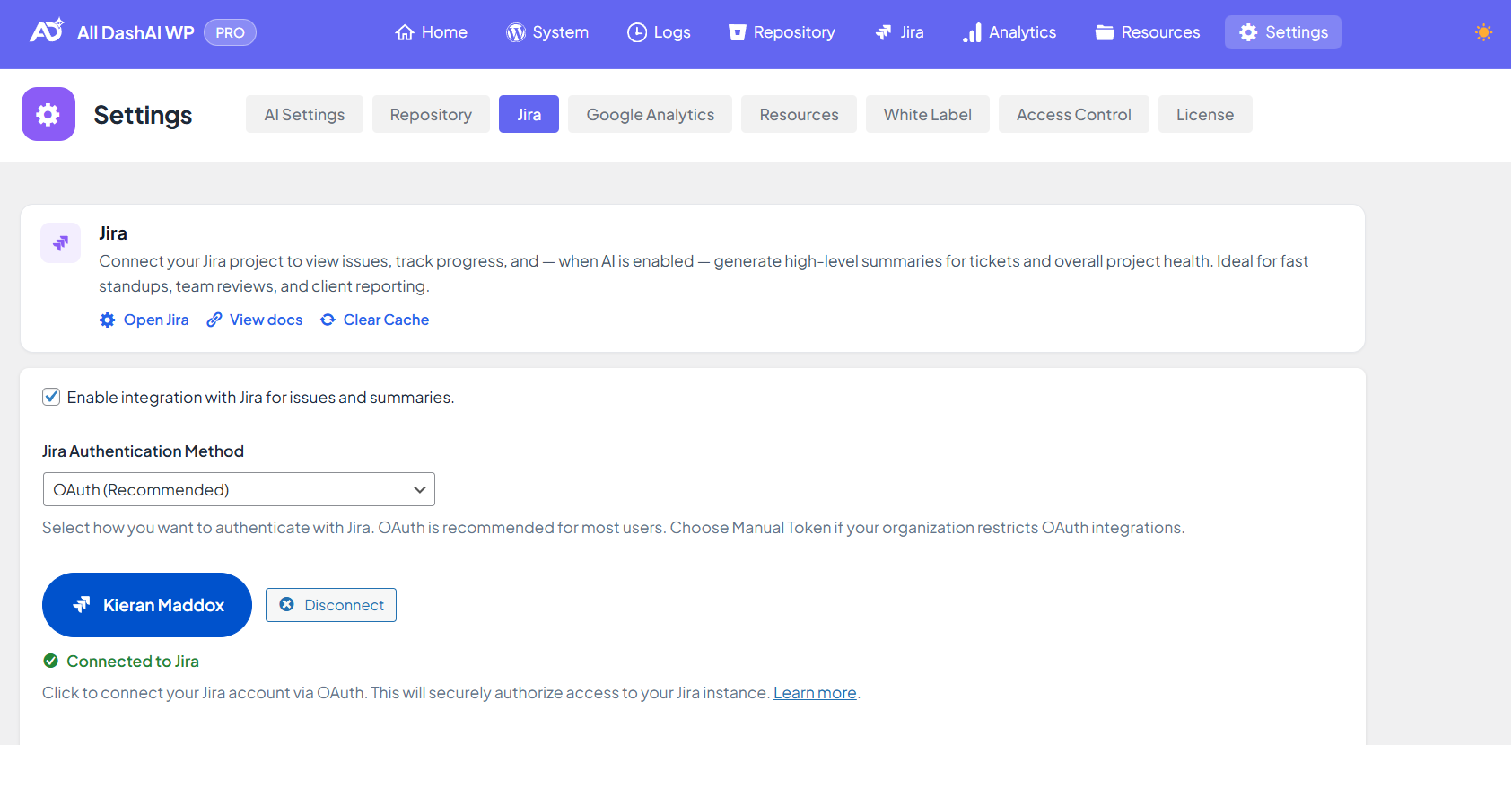
- OAuth 2.0 authentication
- Manual Token authentication using API Tokens
- Issue list with key metadata (status, assignee, priority, reporter, timestamps)
- Pagination (10 issues per page)
- AI-generated insights about project activity, patterns and risk signals
- Multisite compatible (each site stores its own settings)
Authentication Methods
OAuth (Recommended)
Manual Token
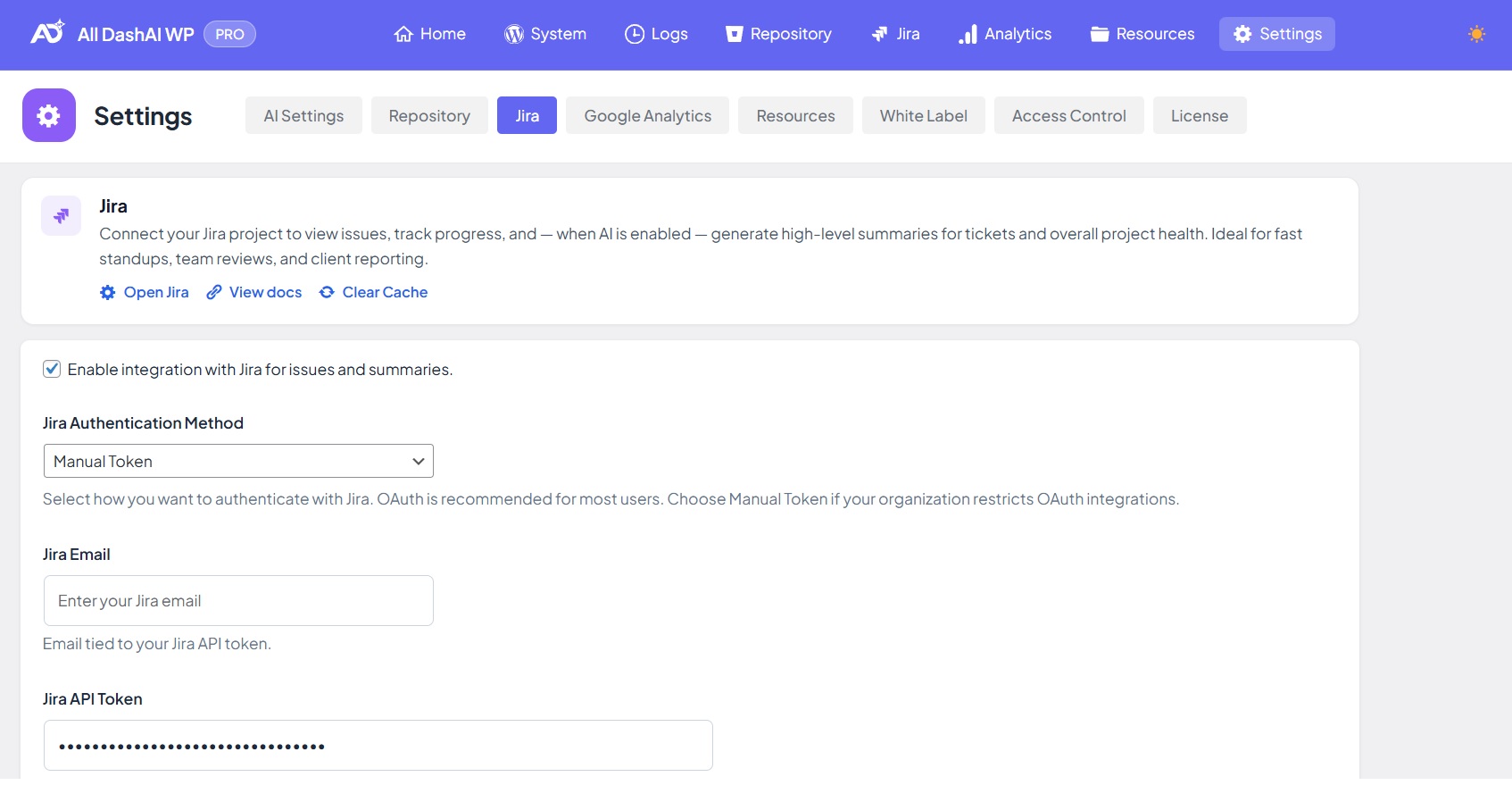
Manual Token Setup Guide
Creating a Jira API Token
- Click “Create API token”
- Enter a Label for the token (e.g., alldashaiwp-jira)
- Click “Create”
- Copy the token immediately — it will only be shown once
- Store it securely if needed for reference
| Field | Value |
|---|---|
| Jira Cloud URL | Your Jira instance URL (e.g., https://yourcompany.atlassian.net) |
| Jira Email | Your Atlassian account email address |
| Jira API Token | The API token you just created |
| Project Key | The project key to fetch issues from (e.g., PROJ, DEV) |
Finding Your Jira Project Key
- Open your Jira project
- Look at any issue — the key is the prefix before the hyphen
- Or go to Project Settings → Details → Key
Revoking Jira API Tokens
- Find the token in the list
- Click “Revoke”
Pagination
Caching
| Content Type | Duration |
|---|---|
| Issue list | 4 minutes |
| Issue details | 10 minutes |
| AI summary | 5 minutes |
- Jira settings change
- The user clears the cache from Settings
- The time-to-live expires
AI Insights
- Workload distribution
- Bottlenecks and slow-moving tasks
- Repeated patterns
- Risks and blockers
- Anomalies in project velocity
Issue Detail Modal
- Full issue summary and description
- Status, priority, and type
- Assignee and reporter information
- Created and updated timestamps
- Direct link to the issue in Jira
- Optional AI analysis
Multisite Behavior
- Each site has its own Jira configuration
- Cache and settings are isolated per site
- Authentication is site-specific
Troubleshooting
| Issue | Solution |
|---|---|
| “Invalid credentials” | Verify email and API token are correct |
| “Project not found” | Check the Project Key is correct and you have access |
| “Rate limit exceeded” | Wait a few minutes — Jira has API rate limits |
| “Token expired” | API tokens don’t expire, but can be revoked — create a new one |
| Cannot see issues | Verify your Atlassian account has access to the project |